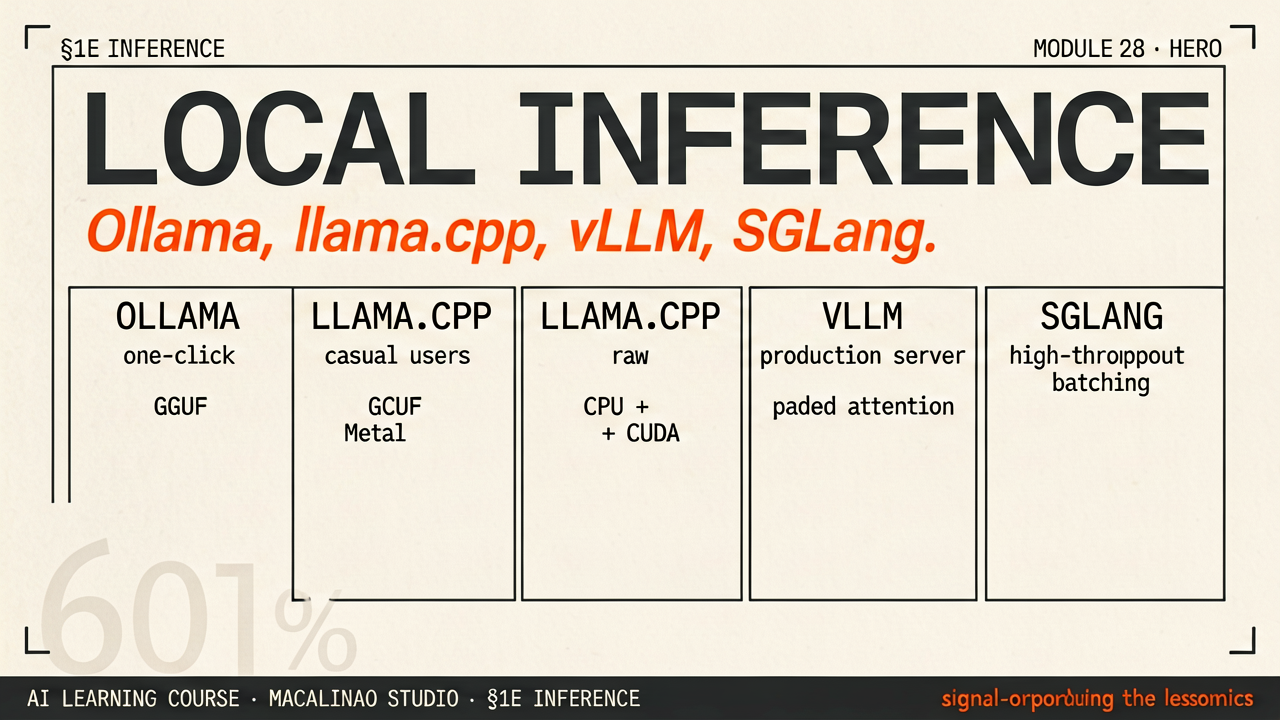
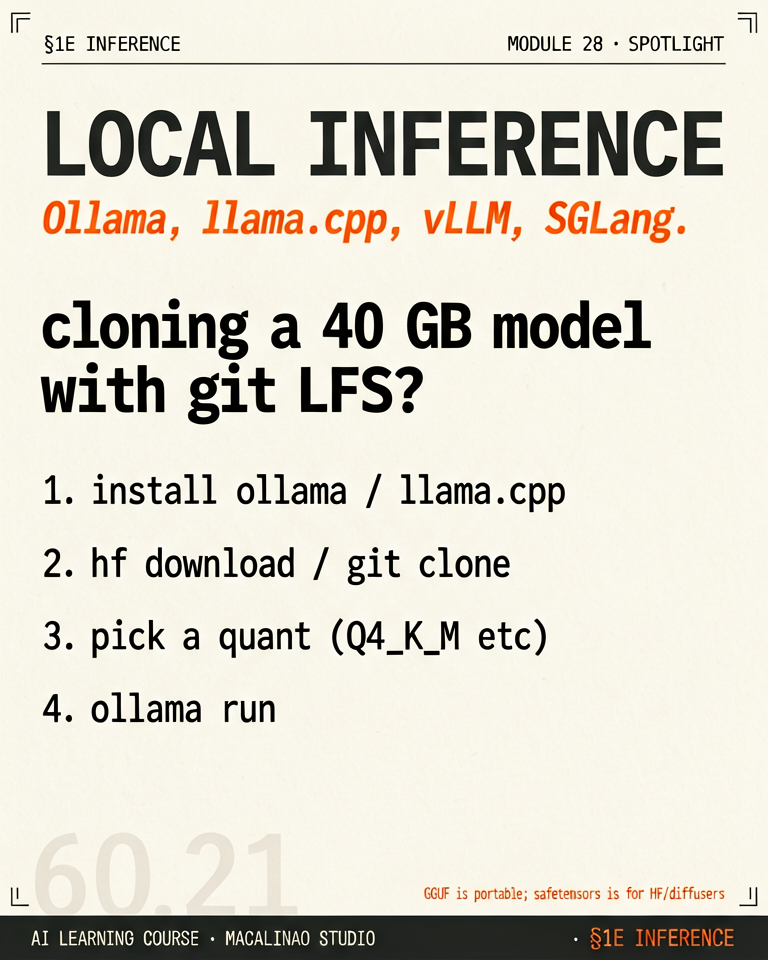
Local inference keeps data on your hardware, costs nothing per token, works offline, and lets you run uncensored or custom-finetuned weights. The trade: you manage VRAM, quantization, and serving yourself. This studio's farm runs Ollama on a 4-GPU node for exactly these reasons.
THE ENGINES
Four engines, four niches
llama.cpp — C++ engine that runs GGUF-quantized models on anything, including CPUs and phones. Ollama — one-command model manager with an HTTP API (built on llama.cpp, now shipping its own engine for newer multimodal models). vLLM — datacenter-grade serving with PagedAttention and continuous batching, maximum throughput for many users. SGLang — vLLM-class speed plus RadixAttention prefix caching, fastest at repeated/agentic prompts. On Apple silicon, MLX is the fourth citizen.
QUANTIZATION
GGUF quantization is what makes laptops viable
Weights stored in 4–5 bits instead of 16 cut a 70B model from 140 GB to ~40 GB with minor quality loss. Q4_K_M is the everyday sweet spot; Q8_0 when quality matters and VRAM allows. Below 3-bit, degradation gets obvious fast.
CHOOSING
Pick by concurrency
One user on a laptop → Ollama. A team service on one GPU box → vLLM or SGLang. Embedded/edge → llama.cpp directly. They all run the same open weights — the difference is scheduling, batching, and memory management (the KV-cache machinery from module 08).
§ 02
The lesson
How Ollama and LM Studio download open-weight models, compress them mathematically, and run them entirely on your own hardware — no API, no subscription, nothing bypassed: the weights are simply free to use.
An uncompressed 8B-class model — Qwen3, Gemma 3, or a Llama-3.3-class model, the 2026 local defaults — weighs around ~16 Gigabytes in BF16, requiring a massive dedicated GPU.
Programs like Ollama automatically pull compressed GGUF files. GGUF's k-quants are block-wise scaled integer formats: weights are grouped into small blocks, each stored as 4-bit integers plus a per-block scale — not naive truncation — shrinking the model from 16GB down to roughly 4.7GB with little quality loss.
LM Studio builds on the core C++ `llama.cpp` engine to run those 4.7GB calculations natively on your Macbook's Unified Memory or your PC's RTX GPU. Apple-silicon users increasingly reach for MLX instead; Ollama now ships its own engine for newer multimodal models (no longer a pure llama.cpp wrapper); and local tool-calling/agent APIs are standard across all of them.
Ollama Built natively for the Terminal. Ollama runs silently in the background of your operating system, acting as an invisible API router. It allows local python scripts or frameworks like LangChain to seamlessly ping `localhost:11434` exactly as if they were heavily paying for the OpenAI API.
LM Studio Built natively for the Desktop GUI. LM Studio gives you an incredibly sleek visual interface. It seamlessly integrates a search bar to instantly query and download GGUF frameworks from Hugging Face into your C: drive, and visually displays exactly how heavily your VRAM is loaded during generation.
Done with Local Inference?
Mark it complete — progress is saved in your browser and shows on the course map.